Case study

Manual Excel, replaced by governed models, one engagement at a time

Several sectors, mid-size

A series of smaller BI engagements across finance, HR and production, run alongside larger projects. Each one replaced manual Excel reporting with a governed Power BI model on the same pattern.

Read the engagement brief(opens in a new tab)
Period
18 months
Companies
50–250 people
Areas
Finance, HR, production
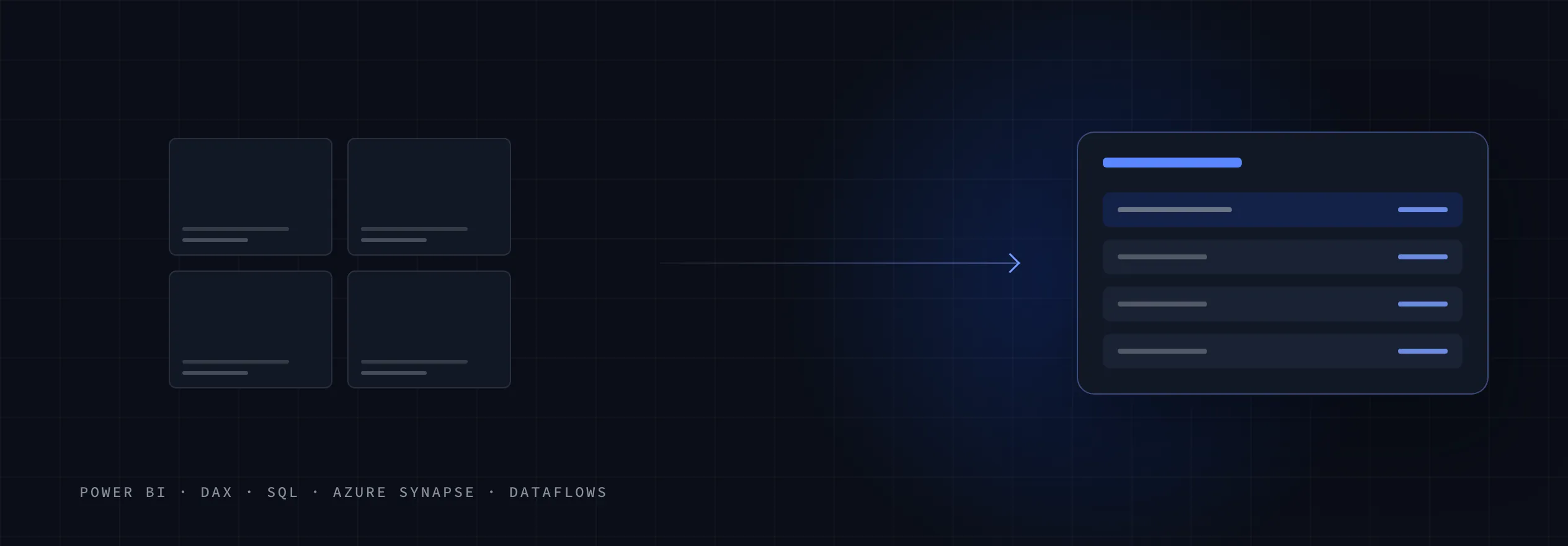
A schematic: the separate reports this engagement started from, the one consolidated reporting layer that replaced them, and the technologies underneath.

Different departments, the same pattern

Finance, HR and production teams each had reporting kept in Excel by hand. Every engagement in the series replaced it the same way: automated loading, one governed model and training for the team.

kinds of engagement in the series
4
teams trained: finance, HR, production
3
months, alongside the main projects
18

No outcome figures are published for these engagements: nothing exists that would let you check them, so what was built is described in full instead. Anonymised by sector and size, because the confidentiality that protects these clients would protect you too. Sector and outcomes are real; identifying detail is not.

What each engagement replaced

Before and after the engagement

Manual Excel

  • Financial reportingExcel workbooks
  • HR performance reportingManual Excel
  • Production KPI dashboardsManual Excel
  • Recurring reportsPrepared by hand

Governed models

  • Power BI financial reportingConsistent KPI logic, defined once
  • HR performance reportingOn a governed model
  • Production KPI dashboardsOn a governed model
  • Automated reportingETL and Dataflows instead of copy and paste
The 4 kinds of engagement in the series, each moving from manual Excel to a governed model.

The engagement in full

Client
Several organisations of 50 to 250 people, each with a contained reporting problem in one department.
Situation
Each team rebuilt its reporting in Excel by hand every period, so the report depended on somebody doing the copy, and the figures were calculated a little differently each time they appeared.
Mandate
Replace a manual Excel report with a governed Power BI model, automate how it is fed, and leave the team able to use it.

Performance underneath the reports

SQL performance tuning for BI workloads sat under the series: slow queries rewritten, and indexes matched to how BI actually reads the data rather than to how it is written.

The recurring pattern

Every engagement in the series followed the same 4 steps, whatever the department.

  1. Manual ExcelReporting rebuilt by hand each period
  2. Automated loadingETL and Dataflows instead of copy and paste
  3. Governed Power BI modelConsistent KPI logic, defined once
  4. EnablementThe team trained on its own model

Architecture decisions

DecisionRejected alternativeWhy
One pattern for every engagementA new approach per departmentEach engagement started from something already proven.
Automated loading through ETL and DataflowsCopying data into Excel each periodThe report stops depending on someone doing the copy.
KPI logic defined in the modelFormulas spread across workbooksA figure is calculated the same way every time it appears.
Training as part of deliveryA handover document onlyThe team uses and extends the model rather than going back to Excel.

What the clients have today

  • Governed Power BI models in place of manual Excel for financial, HR and production reporting.
  • Automated ETL and Dataflows feeding the models, with consistent KPI logic inside them.
  • SQL tuned for the BI workloads that read it, through query optimisation and indexing.
  • Finance, HR and operations teams trained to use and extend their own reporting.
Where it left them
Smaller engagements, each closed with a governed model and a team that can use it, built on a pattern the larger projects use as well.
Stack
  • Power BI
  • DAX
  • SQL
  • Azure Synapse
  • Azure Data Factory
  • Dataflows
All case studies

The other engagements

  • Retail

    Foundation then Activation then Acceleration alongside Stewardship

    Store revenue, executive questions and forecasting on one set of definitions

    A retailer with Microsoft Fabric already in production, semantic models over Direct Lake and store revenue streaming in, who wanted forecasting, Copilot questions and anomaly detection on top of it.

    • Microsoft Fabric
    • Power BI semantic models
    • Direct Lake
    • Copilot in Power BI
    • Fabric AI Functions
    • Activator
  • Industrial manufacturing

    Foundation then Activation then Acceleration

    Governed reporting across a production network

    An industrial manufacturer reporting across a production network of sites, each with its own view of what was running.

    • Microsoft Fabric
    • OneLake
    • OneLake Security
    • Direct Lake
    • Spark
    • MES
    • OPC UA
    • Power BI
    • DAX
    • Azure Key Vault
    • Purview
    • Azure DevOps
  • Hospitality and real estate

    Foundation then Activation

    A CFO cockpit over a group that closed its books separately

    A holding group across hospitality and real estate, with entities that each closed their own books and a CFO who had to answer for all of them.

    • Microsoft Fabric
    • OneLake
    • Direct Lake
    • Databricks Mirrored Catalog
    • Fabric Data Factory
    • Power BI
    • DAX
    • Calculation groups
    • Row-level security
    • Azure DevOps
    • Azure Key Vault
    • Purview
  • Multi-brand retail

    Foundation then Activation

    One governed model across a multi-brand retail group

    A retail group running several brands, each with its own systems, its own reporting habits and its own answer to what a margin is.

    • Microsoft Fabric
    • Direct Lake
    • Databricks
    • Eventstream
    • KQL Database
    • Power BI
    • DAX
    • SAP
    • Salesforce
    • Azure DevOps
All case studies

Free consultation

Know where your data stands in an hour.

A free 60-minute consultation. No pitch, no invoice. You’ll leave knowing whether your data is ready for AI, and whether we’re a good fit.

Book your free consultation(opens in a new tab)